
Beyond the 1040: How Enrolled Agents Are Using Automation to Handle More Clients Without Working More Hours
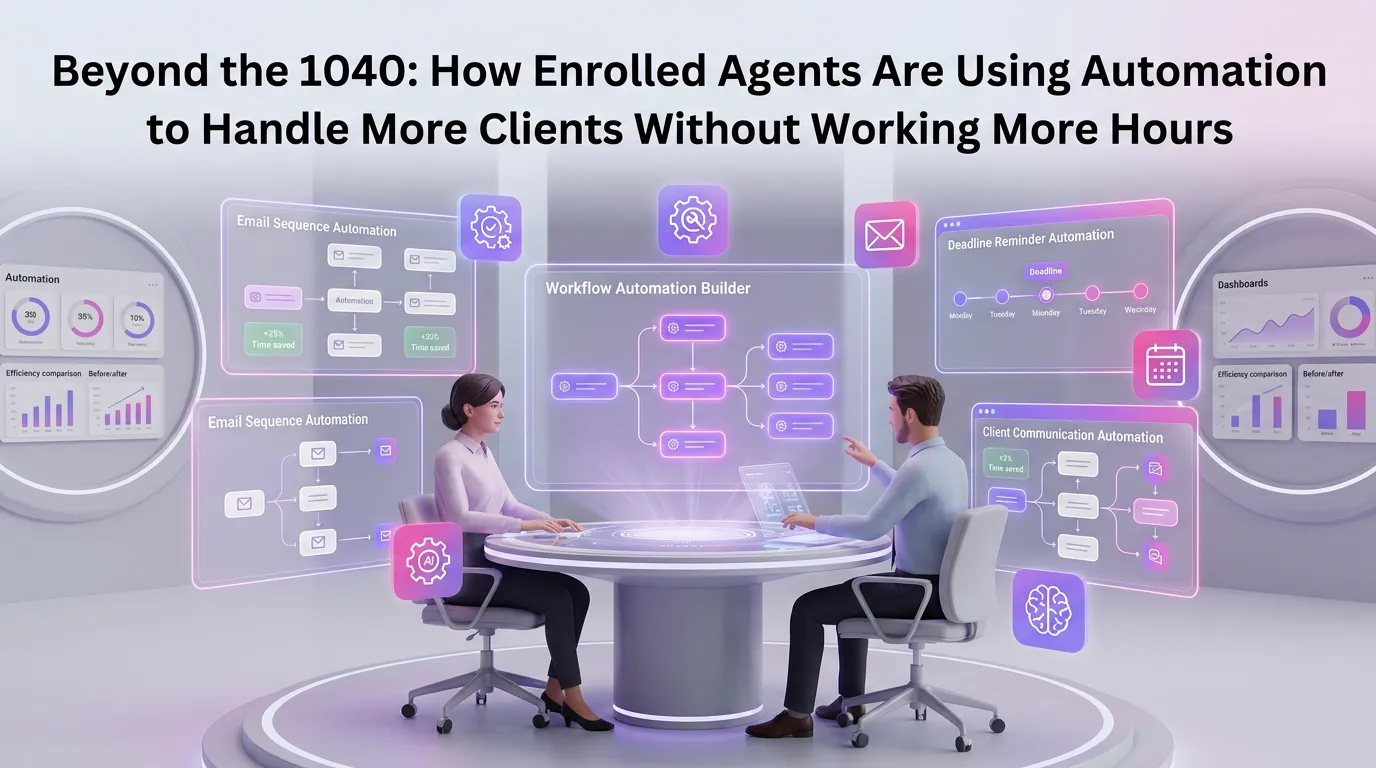
Enrolled agents occupy a unique position in the tax professional landscape. As the only federally licensed tax practitioners authorized by the U.S. Department of the Treasury, EAs are trusted to represent clients before the IRS on audits, collections, and appeals — in addition to preparing complex returns. Yet despite their specialized expertise, many enrolled agents find themselves trapped in the same bottleneck that plagues every tax professional: too many clients, too little time, and a workflow that relies heavily on manual processes. The good news is that tax preparation automation for enrolled agents is no longer a futuristic concept — it's a practical, proven strategy that forward-thinking practices are deploying right now to scale their client base without sacrificing quality or burning out.
The Capacity Problem Facing Enrolled Agents Today
The average enrolled agent handles anywhere from 150 to 400 returns per tax season, depending on complexity and whether they operate solo or within a team. At those volumes, even a 30-minute administrative task per client adds up to hundreds of hours lost to work that doesn't require an EA's federal licensure or expertise.
Administrative overhead — chasing documents, sending reminders, manually entering data, formatting reports — consumes an estimated 30 to 40 percent of a tax professional's working hours during peak season. That's time that could be spent on higher-value advisory work, IRS representation cases, or simply onboarding more clients.
The solution isn't to hire more staff (though that helps). It's to systematically eliminate the manual friction from every stage of the client engagement lifecycle. That's exactly what modern tax firm automation platform solutions are designed to do.
What Tax Preparation Automation for Enrolled Agents Actually Looks Like
Automation in the context of a tax practice isn't about replacing human judgment — it's about removing the repetitive, rules-based tasks that don't require it. For enrolled agents specifically, this means automating across several distinct workflow phases.
Client Onboarding and Document Collection
The onboarding phase is one of the most time-consuming parts of any engagement. Sending engagement letters, collecting signed authorization forms (such as Form 2848 or 8821), gathering prior-year returns, and obtaining source documents can involve five to ten separate touchpoints per client.
Automated onboarding workflows can handle all of this with pre-built sequences: a welcome email goes out automatically, a secure portal link follows, reminder nudges trigger if documents aren't uploaded within a defined window, and the system flags the file as ready for preparation only when all required items are present. What used to take two weeks of back-and-forth can be compressed into two to three days.
Data Entry and Return Preparation Support
Modern automation tools integrate with leading tax software to reduce manual data entry. Optical character recognition (OCR) technology can extract data from W-2s, 1099s, K-1s, and other forms directly into the return preparation workflow. This not only saves time but significantly reduces transcription errors — a critical concern when accuracy is tied to your professional license.
According to the IRS's guidance on enrolled agents, EAs are held to a high standard of accuracy and due diligence. Automation supports that standard by building in validation checkpoints that catch common errors before they become problems.
Progress Tracking and Client Communication
One of the most underappreciated benefits of automation is standardized client communication. Instead of manually emailing each client with status updates, automated workflows send milestone notifications — "We've received your documents," "Your return is in review," "Your return is ready for your signature" — without any manual effort from the preparer.
This keeps clients informed, reduces inbound "where's my return?" calls, and creates a professional, consistent experience that builds trust. For enrolled agents managing hundreds of clients, this alone can reclaim hours every week.
How Automation Enables Enrolled Agents to Scale Without Adding Hours
The math behind scaling with automation is straightforward. If you currently spend 3 hours per client on administrative tasks across an average engagement, and automation reduces that to 45 minutes, you've freed up 2.25 hours per client. Across 200 clients, that's 450 hours returned to your practice — the equivalent of more than 11 full work weeks.
Those reclaimed hours can be reinvested in several ways. You can take on 30 to 50 additional clients at the same workload level. You can expand into higher-margin IRS representation work that commands premium fees. Or you can simply reduce your working hours and improve your quality of life — which matters enormously in a profession known for seasonal burnout.
Building a Scalable Practice Model
Scaling isn't just about doing more of the same thing faster. The most successful enrolled agents use automation as a foundation for building a genuinely scalable practice model — one where processes are documented, repeatable, and not dependent on any single person's memory or manual effort.
This is a concept well-documented in the practice management literature. The Journal of Accountancy has highlighted how systematized workflows are the distinguishing factor between practices that plateau and those that grow sustainably. For enrolled agents, automation is the mechanism that makes systematization practical rather than theoretical.
Year-Round Revenue and Advisory Services
Many enrolled agents are expanding beyond seasonal tax preparation into year-round advisory services — tax planning, estimated payment management, IRS correspondence handling, and proactive strategy sessions. Automation makes this expansion feasible by reducing the time burden of compliance work.
When your onboarding, document collection, and return delivery workflows run on autopilot, you have the bandwidth to offer quarterly check-ins, respond to IRS notices proactively, and position yourself as a strategic advisor rather than a once-a-year preparer. This shift directly impacts your per-client revenue and your practice's long-term value.
Tax Preparation Automation for Enrolled Agents: Choosing the Right Tools
Not all automation tools are created equal, and the needs of an enrolled agent practice differ from those of a general bookkeeping firm or a large CPA firm. When evaluating platforms, there are several criteria that matter most for EAs specifically.
IRS Authorization Form Handling
Enrolled agents routinely work with Form 2848 (Power of Attorney) and Form 8821 (Tax Information Authorization). Your automation platform should support the collection, storage, and tracking of these authorization documents as part of the standard workflow — not as an afterthought.
Secure Document Management
Tax documents contain some of the most sensitive personal and financial information that exists. Any automation platform used by an enrolled agent must offer bank-level encryption, secure client portals, and audit trails for document access and delivery. This isn't optional — it's a professional and ethical obligation.
The AICPA's guidance on safeguarding taxpayer data provides a useful framework for evaluating whether your tools meet the security standards expected of licensed tax professionals.
Workflow Customization
Every EA practice has its own mix of individual, business, trust, and estate clients — each with different document requirements and workflow stages. The best automation platforms allow you to build custom workflows for each client type rather than forcing everyone into a one-size-fits-all process.
If you're ready to explore what purpose-built automation looks like for an enrolled agent practice, you can start your free trial with MultidexTech and configure your first automated workflow within the same day.
Real-World Results: What EAs Are Achieving With Automation
Across the enrolled agent community, the patterns of success with automation are consistent. Practitioners who implement structured workflow automation report reducing their per-return time by 25 to 40 percent. Client satisfaction scores improve because communication is faster and more consistent. And the ability to take on additional clients without additional stress becomes a reality rather than an aspiration.
Solo EAs are particularly well-positioned to benefit. When you're operating without a support staff, automation effectively acts as a virtual assistant — handling the scheduling, reminders, document chasing, and status updates that would otherwise fall entirely on your shoulders.
For multi-preparer firms, automation creates consistency across the team. Every client gets the same onboarding experience, the same communication cadence, and the same quality checkpoints regardless of which team member is handling the file.
Getting Started: A Practical Roadmap for EAs
If you're new to practice automation, the most effective approach is to start with the highest-friction points in your current workflow and automate those first. For most enrolled agents, that means client onboarding and document collection.
Map out your current process from initial inquiry to return delivery. Identify every step that involves a manual email, a phone call to chase a document, or a copy-paste data entry task. Those are your automation opportunities. Prioritize them by time cost and implement them in order.
Within four to six weeks of focused implementation, most EA practices see measurable reductions in administrative time. Within a full tax season, the compounding effect of those savings becomes significant enough to fundamentally change how you think about capacity and growth.
To explore more strategies for building an efficient, scalable tax practice, explore our blog for practitioner-focused guides, workflow templates, and automation case studies.
Frequently Asked Questions
What is tax preparation automation for enrolled agents?
Tax preparation automation for enrolled agents refers to the use of software tools and workflow systems to automate repetitive, rules-based tasks within a tax practice — such as client onboarding, document collection, status communications, and data entry. The goal is to reduce manual administrative work so enrolled agents can focus on higher-value activities like IRS representation, tax planning, and client advisory services.
Will automation replace the need for an enrolled agent's expertise?
No. Automation handles the administrative and procedural aspects of a tax practice, but it does not replace the professional judgment, federal licensure, and specialized expertise that enrolled agents bring to complex tax situations, IRS negotiations, and strategic planning. Automation amplifies what EAs can do by removing the tasks that don't require their expertise.
Is it safe to use automation tools for handling sensitive tax documents?
Yes, provided you choose platforms that meet appropriate security standards. Look for solutions that offer AES-256 encryption, secure client portals, multi-factor authentication, and complete audit trails for document access. These features align with the IRS's safeguarding requirements for tax professionals and protect both your clients and your practice.
How many additional clients can I realistically handle with automation?
The answer varies depending on your current workflow inefficiencies and the complexity of your client mix. However, most enrolled agents who implement structured automation report being able to handle 20 to 40 percent more clients at the same workload level. Some solo practitioners have doubled their client base by combining automation with streamlined service packages.
How long does it take to set up tax workflow automation?
With a purpose-built platform like MultidexTech, you can have your first automated workflow — such as a client onboarding sequence — configured and running within a single day. A full practice-wide implementation, including custom workflows for different client types and integration with your tax software, typically takes two to four weeks when approached systematically.
Ready to Reclaim Your Time This Tax Season?
The enrolled agents who are growing their practices in today's environment aren't working more hours — they're working smarter by letting automation handle the tasks that don't require their federal licensure and expertise. From onboarding to delivery, every step of your workflow can be faster, more consistent, and less dependent on manual effort.
MultidexTech is built specifically for tax professionals who are serious about scaling without burnout. Explore what's possible with a 14-day free trial — no credit card required, no long-term commitment. Start your free trial today and see how many hours you can reclaim before the next filing deadline. If you'd like to compare feature sets and capacity tiers, view our pricing plans to find the right fit for your practice size.