
The Bookkeeping Bottleneck: How Automation Turns Repetitive Data Entry Into a Hands-Off Workflow
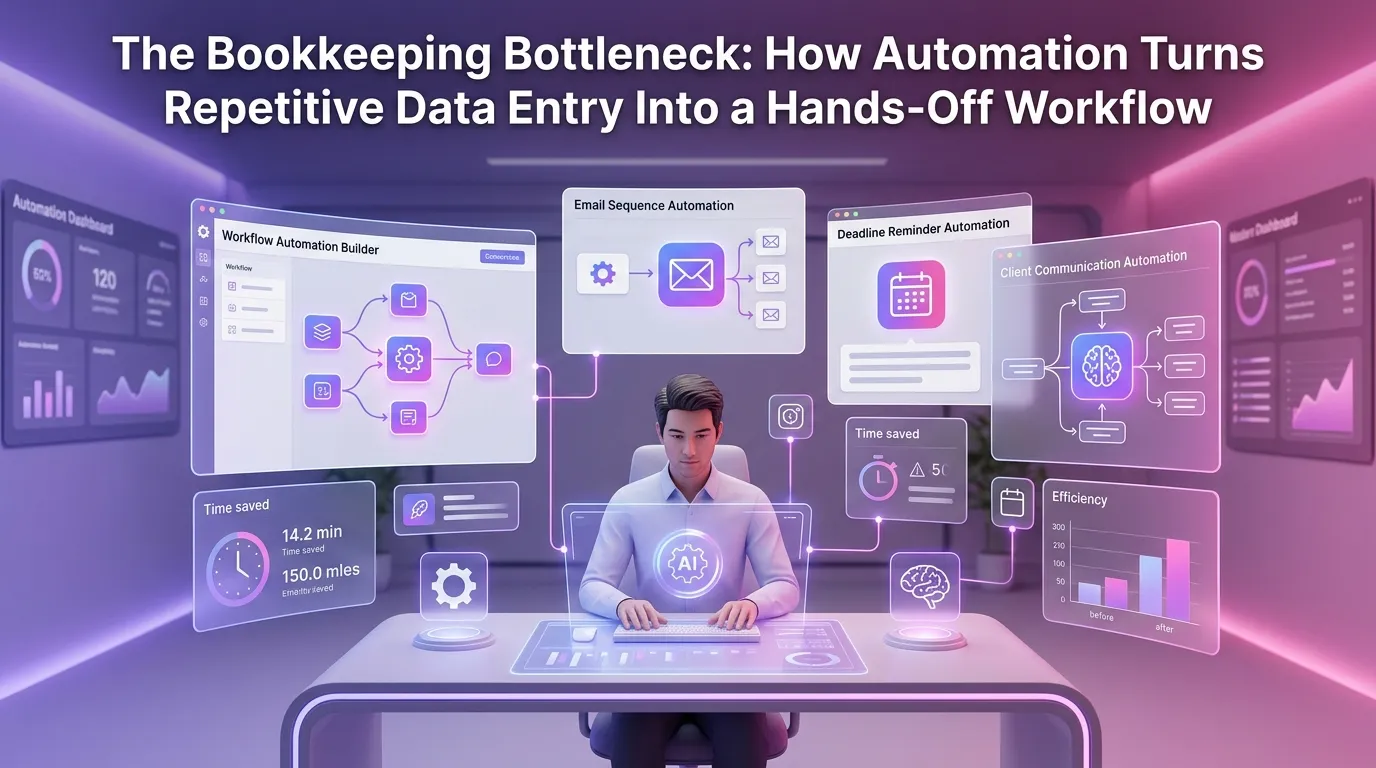
Every bookkeeping firm reaches a tipping point. The client roster grows, transaction volumes multiply, and suddenly your most skilled staff members are spending the majority of their day copy-pasting data from bank feeds into spreadsheets. This is the bookkeeping bottleneck — a silent productivity killer that limits growth, increases error rates, and drives employee burnout. The good news is that modern bookkeeping automation software is specifically engineered to eliminate this bottleneck, transforming hours of repetitive manual work into streamlined, hands-off workflows that run reliably in the background.
Understanding the Real Cost of Manual Data Entry in Bookkeeping
Before exploring solutions, it's worth quantifying the problem. Research consistently shows that manual data entry is one of the most error-prone activities in any finance operation. According to the American Institute of CPAs (AICPA), data errors in financial records are among the leading causes of client disputes, compliance issues, and audit exposure for small to mid-sized accounting firms.
Beyond accuracy, there's the time cost. A bookkeeper handling 30 to 50 clients manually can spend upward of 60% of their working hours on data entry alone. That's time not spent on analysis, advisory services, or client communication — the high-value work that actually differentiates your firm.
When you multiply this across a team of five or ten bookkeepers, you're looking at tens of thousands of dollars in annual labor costs dedicated to work that software can handle automatically. The business case for automation isn't just compelling — it's increasingly unavoidable.
What Bookkeeping Automation Software Actually Does
There's a common misconception that bookkeeping automation simply means faster data entry. In reality, modern automation platforms do far more than accelerate manual processes — they eliminate entire categories of manual work altogether.
Automated Transaction Categorization
At the core of any quality bookkeeping automation software is intelligent transaction categorization. Using machine learning and rule-based logic, these systems analyze incoming transactions from bank feeds, credit card statements, and payment platforms, then automatically assign them to the correct chart of accounts categories.
Over time, the system learns from corrections and client-specific patterns, improving its accuracy continuously. What once took a bookkeeper 20 minutes per client per week becomes a background process that completes in seconds.
Bank Reconciliation Without the Manual Matching
Reconciliation is another area where automation delivers immediate, measurable impact. Instead of manually matching transactions line by line — a process that's both time-consuming and prone to human error — automated reconciliation tools cross-reference bank statements against your accounting records in real time.
Discrepancies are flagged automatically, allowing your team to focus only on exceptions rather than reviewing every single transaction. This alone can reduce reconciliation time by 70% or more for high-volume accounts.
Document Capture and Receipt Processing
Expense receipts, vendor invoices, and supporting documents are the paper trail that keeps bookkeeping defensible. Automation tools with optical character recognition (OCR) capabilities can extract key data from uploaded documents — vendor name, amount, date, tax category — and automatically create or match the corresponding transaction in your accounting system.
This eliminates the manual keying of invoice data and ensures that supporting documentation is always attached to the relevant transaction, making audits and client reviews significantly easier to manage.
How Automation Transforms the Bookkeeper's Role
One of the most important — and often overlooked — benefits of bookkeeping automation is what it does to the nature of the bookkeeper's job. When repetitive data entry is removed from the equation, bookkeepers can redirect their expertise toward genuinely valuable activities.
From Data Entry Clerk to Financial Analyst
With automation handling the mechanical work, bookkeepers have the bandwidth to perform meaningful analysis on client financials. They can identify spending trends, flag unusual variances, and proactively communicate insights that help clients make better business decisions.
This shift from reactive data entry to proactive financial advisory is exactly what clients are increasingly expecting from their bookkeeping partners. Firms that make this transition tend to see higher client retention rates and stronger referral networks.
Scaling Without Proportional Headcount Growth
Perhaps the most strategically significant benefit of automation is the ability to scale client volume without a corresponding increase in staff. A bookkeeper using modern automation tools can comfortably manage two to three times the client load compared to fully manual processes.
This fundamentally changes the economics of running a bookkeeping firm. Revenue per employee increases, profit margins expand, and the firm gains the capacity to pursue growth opportunities rather than simply keeping pace with existing client demands. As a tax firm automation platform, MultidexTech is built specifically to enable this kind of scalable, efficient operation.
Key Features to Look for in Bookkeeping Automation Software
Not all automation platforms are created equal. When evaluating solutions for your firm, there are several critical capabilities that separate genuinely transformative tools from those that simply add complexity.
Deep Integration with Accounting Platforms
Your automation software needs to integrate seamlessly with the accounting platforms your clients already use — QuickBooks, Xero, FreshBooks, and others. Fragmented integrations create data silos and manual workarounds that negate the efficiency gains you're trying to achieve.
Look for platforms that offer native, two-way integrations rather than relying solely on third-party connectors. The more tightly integrated the system, the more reliably it can automate end-to-end workflows.
Workflow Automation and Task Management
Beyond transaction processing, leading bookkeeping automation software includes workflow automation capabilities that standardize your firm's internal processes. This means automatic task creation, deadline tracking, client request management, and approval workflows — all managed from a single platform.
When every team member follows a consistent, automated workflow, quality control improves and nothing falls through the cracks, even during busy periods like month-end close or tax season.
Client Portal and Communication Tools
Chasing clients for missing documents is one of the most frustrating time drains in bookkeeping. Automation platforms with built-in client portals allow clients to upload documents, respond to queries, and review reports directly — eliminating back-and-forth email chains and keeping everything documented in one place.
This improves the client experience significantly while also reducing the administrative burden on your team. According to the Journal of Accountancy, client communication and document management are consistently cited as top pain points for accounting and bookkeeping firms of all sizes.
Compliance and Audit Trail Capabilities
Bookkeeping carries significant compliance obligations. The IRS requires businesses to maintain accurate financial records that can substantiate income and deductions. Automation software that maintains a complete, timestamped audit trail for every transaction, change, and user action provides a critical layer of compliance protection.
This level of documentation is extremely difficult to maintain manually at scale but becomes automatic when your workflows are built on the right platform.
Implementing Bookkeeping Automation: A Practical Approach
Transitioning from manual processes to automated workflows doesn't have to be disruptive. The most successful implementations follow a phased approach that allows your team to adapt gradually while delivering quick wins early in the process.
Start with High-Volume, Repetitive Tasks
Begin by identifying the tasks that consume the most time and offer the lowest value per hour. Transaction categorization, bank reconciliation, and invoice processing are typically the best starting points. Automating these first delivers immediate ROI and builds team confidence in the technology.
Once these foundational automations are running smoothly, you can expand to more complex workflows like month-end close checklists, payroll reconciliation, and financial reporting.
Train Your Team on Exception Management
Automation doesn't eliminate the need for human judgment — it focuses human attention where it matters most. Train your team to shift their mindset from processing every transaction to reviewing and resolving exceptions that the system flags.
This requires a change in habits and expectations, but most bookkeepers adapt quickly when they realize how much more interesting and impactful their work becomes. If you're ready to explore what this looks like in practice, you can start your free trial and test the platform with your actual workflows.
Measure and Optimize Continuously
Automation implementation is not a one-time event. Track key metrics before and after implementation — time per client, error rates, reconciliation completion time, and client satisfaction scores. Use this data to continuously refine your workflows and identify additional automation opportunities.
The firms that see the greatest long-term gains from automation are those that treat it as an ongoing operational strategy rather than a one-off technology project. To understand how MultidexTech's capabilities align with your firm's scale and budget, view our pricing plans and find the option that fits your needs.
The Competitive Landscape Is Shifting — Don't Get Left Behind
Bookkeeping firms that continue to rely heavily on manual processes are increasingly at a disadvantage. Clients are becoming more sophisticated in their expectations, demanding real-time visibility into their financials, faster turnaround times, and proactive insights rather than historical reporting.
Meanwhile, firms that have embraced automation are able to offer more, charge more, and grow faster — all with leaner teams. The gap between manual and automated firms is widening every year, and the window to make the transition at a competitive pace is not indefinitely open.
Investing in bookkeeping automation software today is not just about operational efficiency. It's about positioning your firm as a modern, scalable practice that clients trust with their most critical financial data. For more insights on running a high-performance bookkeeping or tax firm, explore our blog for in-depth guides, case studies, and industry analysis.
Frequently Asked Questions About Bookkeeping Automation Software
What is bookkeeping automation software?
Bookkeeping automation software is a category of technology tools designed to automate repetitive, manual tasks in the bookkeeping process — such as transaction categorization, bank reconciliation, invoice processing, and document management. These platforms use machine learning, rule-based logic, and integrations with accounting systems to reduce the manual labor required to maintain accurate financial records.
How much time can bookkeeping automation actually save?
The time savings vary depending on client volume and the complexity of workflows, but most firms report reducing manual data entry and reconciliation time by 50% to 75% after full implementation. For a firm managing 40 to 60 clients, this can translate to dozens of hours saved per week across the team.
Is bookkeeping automation software secure for handling sensitive financial data?
Reputable bookkeeping automation platforms implement enterprise-grade security measures, including data encryption in transit and at rest, role-based access controls, multi-factor authentication, and regular security audits. When evaluating any platform, look for SOC 2 compliance certification and a clear data privacy policy as baseline indicators of security maturity.
Will automation replace bookkeepers?
No — automation changes what bookkeepers do, not whether they're needed. By removing repetitive data entry from their workload, automation allows bookkeepers to focus on higher-value activities like financial analysis, client communication, and advisory services. Firms that adopt automation typically retain their staff while enabling them to handle more clients and deliver more value.
How long does it take to implement bookkeeping automation software?
Implementation timelines vary based on the platform and the complexity of your existing workflows. Many firms can get core automations — transaction categorization, bank reconciliation, and document capture — up and running within one to two weeks. A full workflow transformation, including staff training and process optimization, typically takes one to three months to complete fully.
Ready to eliminate the bookkeeping bottleneck in your firm? MultidexTech offers a full-featured 14-day free trial that gives you hands-on access to our complete automation suite — no credit card required. See exactly how much time your team can reclaim, and discover what your firm looks like when repetitive data entry is no longer part of the equation. Start your free trial today and take the first step toward a genuinely hands-off bookkeeping workflow.