
The Paper Chase Is Over: How Automated Document Collection Eliminates Tax Season Chaos
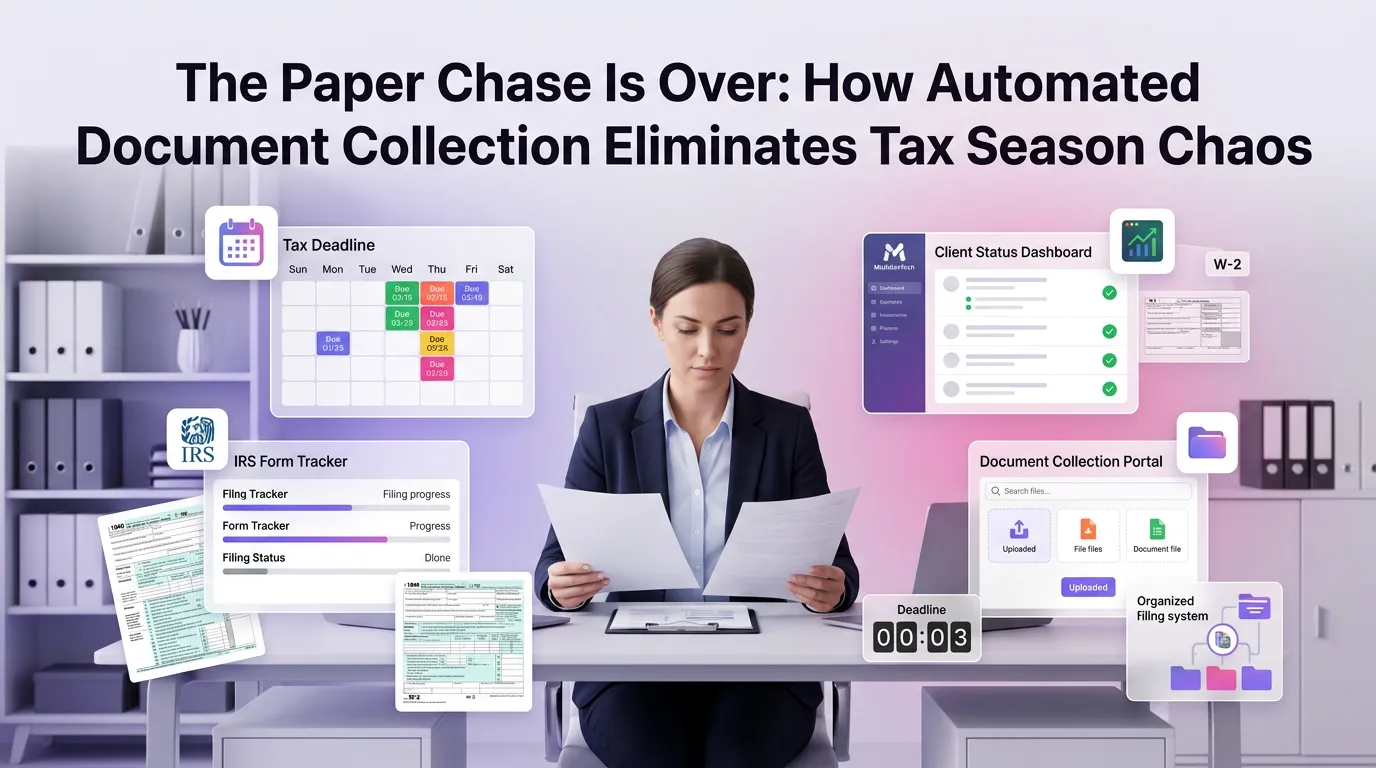
Every tax professional knows the feeling: it's February, deadlines are looming, and half your client files are still incomplete. Someone's missing their W-2, another client forgot to send their 1099s, and your inbox is a graveyard of unanswered follow-up emails. The chaos of document collection for tax firms is one of the most persistent, most expensive, and most avoidable problems in the industry — and yet it continues to derail practices of every size, year after year.
The good news is that this no longer has to be your reality. Automated document collection technology has matured to the point where tax firms can replace the endless back-and-forth with streamlined, client-friendly workflows that gather everything they need — on time, in the right format, and without burning out their staff.
Why Traditional Document Collection for Tax Firms Is Broken
The traditional document collection process was designed for a world that no longer exists. It assumes clients will proactively organize their financial records, respond promptly to emails, and understand exactly what documents their accountant needs. In practice, none of those assumptions hold.
According to the American Institute of CPAs (AICPA), administrative burden is consistently ranked among the top operational challenges for small and mid-sized accounting firms. Staff members spend enormous amounts of time on tasks that generate no billable value — sending reminder emails, chasing down missing forms, and manually logging what has and hasn't been received.
The cost of this inefficiency compounds quickly. A firm with 300 individual tax clients might send an average of four to six follow-up messages per client every season. That's potentially 1,800 emails sent by humans who could be doing actual tax work instead.
The Hidden Costs of Manual Follow-Ups
Time is the obvious casualty of manual document chasing, but it's not the only one. Each touchpoint that goes unanswered increases the risk of late filings, which can expose both clients and firms to penalties. The IRS's penalty relief guidelines make clear that late or incomplete filings carry real financial consequences — consequences that erode client trust and firm reputation.
There's also the issue of data integrity. When documents arrive via email, text message, fax, and physical mail across a weeks-long window, version control becomes a serious problem. Which W-2 is the corrected one? Did the client send the final 1099-R or a draft? Manual processes create fertile ground for errors that can take hours to unwind.
Staff morale suffers too. Tax professionals entered the field to solve complex financial problems, not to play phone tag with clients who can't find their mortgage interest statements. High administrative load is a well-documented contributor to burnout — a growing concern in a profession already facing a talent shortage.
What Automated Document Collection Actually Looks Like
Modern automation doesn't mean impersonal or complicated. The best systems are designed to make the experience easier for clients, not just more efficient for firms. Here's what a well-implemented automated document collection workflow looks like in practice.
Intelligent Client Portals That Guide the Process
Rather than sending a generic email asking clients to "send their tax documents," automated systems present clients with a personalized checklist based on their specific tax situation. A client who received rental income last year will be prompted for Schedule E-related documents. A business owner will see requests tailored to their entity type.
This specificity dramatically reduces confusion and incomplete submissions. Clients know exactly what's needed, and the system won't let them consider the task "done" until all required items are uploaded. The result is fewer back-and-forth exchanges and more complete initial submissions.
Automated Reminders That Don't Require Human Intervention
One of the highest-leverage features of automated document collection is the ability to send time-based or behavior-triggered reminders without any staff involvement. If a client hasn't logged into their portal within five days of receiving their invitation, the system sends a gentle nudge. If they've uploaded three of five required documents, a targeted reminder references exactly what's still missing.
This kind of precision is impossible at scale with manual processes. Automated reminders go out at the right time, with the right message, to the right clients — consistently, without anyone on your team having to remember to send them.
Real-Time Status Tracking for Your Entire Client Base
Instead of maintaining a spreadsheet to track which clients have submitted their documents, automation gives your team a live dashboard showing the status of every client file. At a glance, staff can see who's complete, who's partially complete, and who hasn't started — and can prioritize outreach accordingly.
This visibility transforms capacity planning. When you can see that 60% of your clients have submitted complete files by February 15th, you can begin processing those returns immediately rather than waiting for a theoretical "all-clear" that never comes. Work flows in continuously rather than arriving in a last-minute flood.
The Business Case for Automating Document Collection
Investing in automation requires a clear return on investment. Fortunately, the business case for automated document collection is straightforward and measurable across several dimensions.
Reclaiming Billable Hours
The Journal of Accountancy has reported that accounting firms adopting workflow automation tools consistently see significant reductions in non-billable administrative time. Conservative estimates suggest that automating document collection can save a mid-sized firm 10 to 20 hours per week during peak season — time that can be redirected to advisory services, client relationships, or simply finishing the day at a reasonable hour.
For a firm billing at $150 per hour, 15 recovered hours per week over a 12-week tax season represents $27,000 in potential additional revenue or cost savings. That's a compelling number for any practice considering the investment.
Reducing Error Rates and Compliance Risk
Automated systems enforce process consistency in ways that human-driven workflows simply cannot. Every client goes through the same structured intake process. Every document is logged, timestamped, and associated with the correct client file automatically. There's no ambiguity about what was received, when, and from whom.
This audit trail is invaluable in the event of a client dispute or regulatory inquiry. It also reduces the cognitive load on your staff, who no longer need to hold complex mental maps of each client's document status across dozens of simultaneous engagements.
Improving Client Experience and Retention
Client experience is increasingly a competitive differentiator in professional services. A firm that makes tax season feel organized and low-stress builds loyalty that translates directly into retention and referrals. Clients who interact with a clean, intuitive portal — rather than receiving confusing email chains — associate that positive experience with your brand.
First-year clients who have a smooth onboarding and document submission experience are significantly more likely to return the following year. In a business where client acquisition costs are high, improving retention by even a few percentage points has meaningful long-term value.
Key Features to Look for in a Document Collection Solution
Not all document collection platforms are created equal. When evaluating options for your firm, there are several capabilities that separate genuinely useful tools from expensive disappointments.
Client-Specific Document Checklists
Static, one-size-fits-all document requests create confusion and lead to incomplete submissions. Look for a platform that can generate dynamic checklists based on each client's prior-year return, entity type, or other profile data. The more relevant the request, the higher the completion rate.
Secure, Encrypted File Transfer
Tax documents contain some of the most sensitive personal and financial information imaginable. Any document collection solution must offer end-to-end encryption, secure storage, and compliance with relevant data protection standards. Asking clients to email sensitive documents is no longer acceptable from either a security or a professional standards perspective.
Integration with Your Practice Management Stack
A document collection tool that lives in isolation creates its own administrative burden. The most effective solutions integrate directly with your tax preparation software, CRM, and practice management platform — so that when a client submits a complete file, that status is automatically reflected across your entire workflow. A comprehensive tax firm automation platform should connect document collection to every other stage of the client engagement lifecycle.
Mobile-Friendly Client Experience
A significant portion of your clients will interact with your portal on a smartphone. If the upload process is clunky or unintuitive on mobile, completion rates will suffer. Prioritize platforms that offer a genuinely seamless mobile experience, including the ability to photograph and upload documents directly from a phone camera.
Implementing Automated Document Collection: A Practical Roadmap
Adopting new technology mid-season is rarely advisable. The ideal time to implement automated document collection is in the months before your busy season begins — giving your team time to learn the platform, configure it for your client base, and test the workflow before it goes live at scale.
Start with a pilot group of 20 to 30 clients who are comfortable with technology and likely to provide useful feedback. Use their experience to refine your document checklists, reminder cadence, and portal configuration before rolling out to your full client base. Early adopters often become enthusiastic advocates who help bring along less tech-savvy clients through word of mouth.
Train your staff not just on how to use the platform, but on how to communicate its value to clients. A brief explainer — "We've set up a secure portal to make document submission easier for you this year" — goes a long way toward driving adoption. If you're ready to see the technology in action, you can start your free trial and configure your first client workflow in under an hour.
Frequently Asked Questions About Document Collection for Tax Firms
How does automated document collection differ from just using email?
Email is passive and unstructured — it places the burden of organization entirely on the client and your staff. Automated document collection uses guided portals, dynamic checklists, and automatic reminders to actively manage the process. Documents are logged, categorized, and tracked in real time, eliminating the manual effort of monitoring an inbox and updating spreadsheets.
Is automated document collection secure enough for sensitive tax information?
Yes — in fact, it's significantly more secure than email. Purpose-built document collection platforms use end-to-end encryption, secure cloud storage, and access controls that email simply cannot match. Reputable platforms comply with SOC 2 standards and other relevant security frameworks, giving both firms and clients confidence that their data is protected.
How long does it take to implement an automated document collection system?
Most modern platforms are designed for rapid deployment. A basic configuration — including client portal setup, document checklist creation, and reminder scheduling — can typically be completed in a few hours. Full integration with your practice management software may take longer depending on your existing stack, but many firms are fully operational within a week of signing up.
Will clients actually use a document portal, or will they still email documents?
Client adoption is consistently higher than firms expect, especially when the portal is genuinely easy to use. Mobile-friendly design and clear, personalized instructions are the two biggest drivers of adoption. Firms that communicate the portal's value proactively — and make it easier than email — typically see adoption rates above 80% within one to two seasons.
Can I use automated document collection for business clients, not just individual returns?
Absolutely. Automated document collection is highly effective for business entities, with the added benefit that dynamic checklists can be configured to reflect the specific documents required for different entity types — S-corps, partnerships, sole proprietors, and more. The structured intake process is arguably even more valuable for complex business returns, where the document list can be extensive and highly varied.
Tax season doesn't have to be defined by chaos and paper chasing. With the right automated document collection system in place, your firm can enter busy season with a clear process, confident clients, and a team focused on the work that actually matters. Whether you're a solo practitioner or managing a multi-partner firm, the efficiency gains are real, measurable, and available right now.
MultidexTech was built specifically to solve the operational challenges that hold tax firms back — from document collection all the way through to client billing. Start your free 14-day trial today and see how much time your team gets back when the paper chase is finally over. You can also view our pricing plans to find the right fit for your firm's size and needs.
```