
The Remote-Ready Tax Firm: Optimizing Your Preparation Workflow When Your Team Works From Everywhere
The modern tax firm no longer fits neatly inside four walls. From seasoned CPAs working from home offices to junior preparers connecting from co-working spaces across time zones, distributed teams have become the new normal — and that shift demands a fundamentally different approach to how work gets done. Optimizing your remote tax preparation workflow is no longer a nice-to-have; it's the operational backbone that determines whether your firm thrives or struggles when the pressure of tax season peaks.
Why Traditional Workflows Break Down in Remote Environments
Most tax firms built their processes around physical proximity. Documents were handed off in hallways, questions were answered face-to-face, and supervisors could glance over a preparer's shoulder to catch errors before they became problems. When that physical infrastructure disappears, the cracks in informal processes become chasms.
Common pain points in distributed firms include duplicate data entry, version-control confusion on client files, delayed reviews because supervisors are in different time zones, and a troubling lack of visibility into who is working on what at any given moment. These aren't minor inconveniences — during a compressed filing window, they translate directly into missed deadlines and frustrated clients.
The good news is that firms willing to invest in deliberate process design can actually outperform their office-bound counterparts. Remote setups, when optimized correctly, eliminate unnecessary interruptions, allow asynchronous deep work, and enable firms to hire the best talent regardless of geography.
Building a Strong Foundation: The Core Pillars of a Remote Tax Preparation Workflow
Before diving into tools and tactics, it helps to think about the structural pillars your workflow needs to stand on. A resilient remote tax preparation workflow rests on four foundations: standardization, visibility, security, and communication.
Standardization: Creating Processes Everyone Can Follow
Without standardization, every team member invents their own approach — and that inconsistency multiplies errors. Standardization means documenting every stage of the return lifecycle: client onboarding, document collection, data entry, review, quality control, e-filing, and post-filing follow-up.
Write these processes down in a shared knowledge base or standard operating procedure (SOP) document. When a new preparer joins your team remotely, they should be able to onboard against those documented procedures without needing constant hand-holding. The AICPA recommends that firms document their quality control policies under its Statement on Quality Management Standards, which applies equally to remote and in-office environments.
Visibility: Knowing Where Every Return Stands
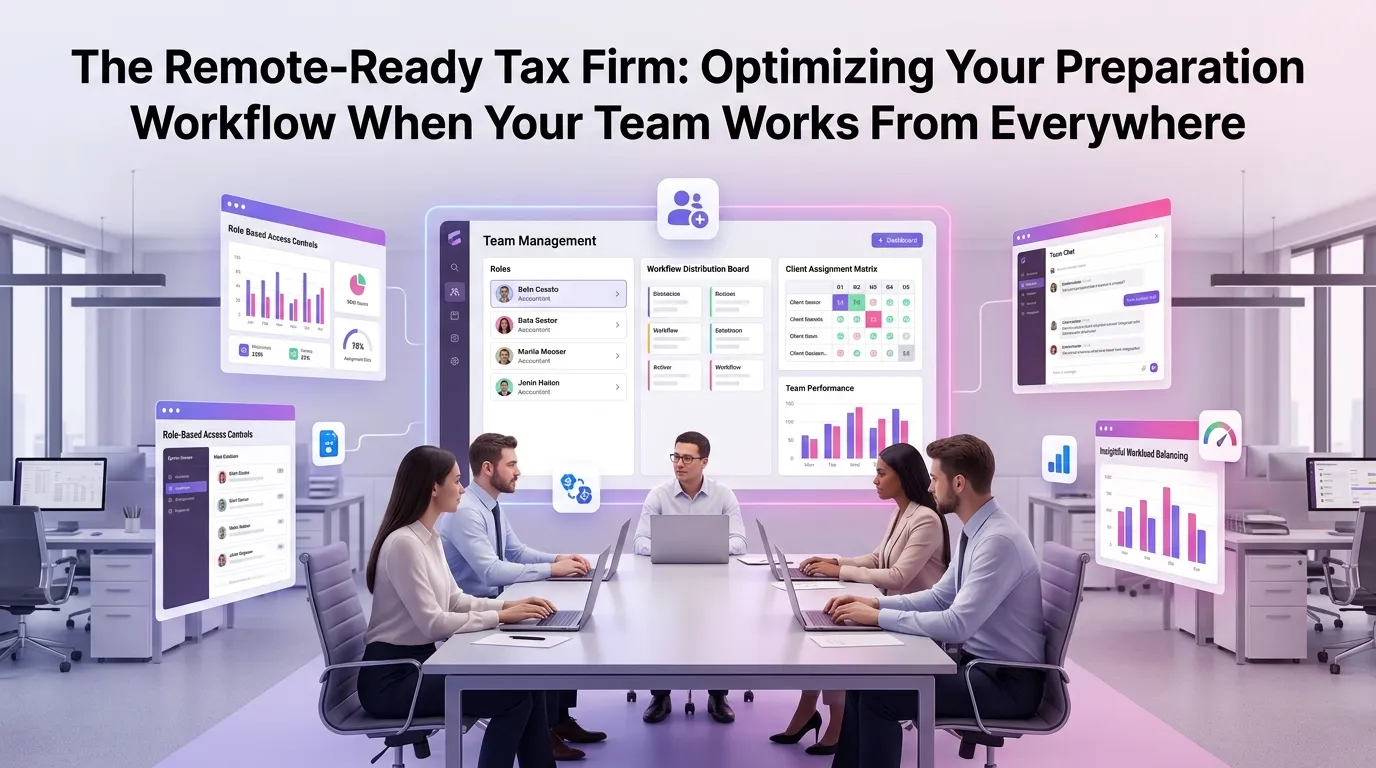
In a physical office, a stack of folders on someone's desk is a crude but functional status indicator. Remotely, that visibility disappears unless you deliberately build it back in. A centralized dashboard that shows every return's current stage, assigned preparer, due date, and any outstanding items is not optional — it's essential.
Workflow management tools designed specifically for tax firms allow managers to see bottlenecks forming in real time. If 40 returns are stuck in the review queue because one senior reviewer is overloaded, you can reassign work before the problem becomes a crisis rather than after.
Security: Protecting Client Data Across Distributed Endpoints
Remote work expands your firm's attack surface dramatically. Every home Wi-Fi network, every personal laptop, every cloud storage shortcut a team member takes is a potential vulnerability. The IRS Security Summit publishes annual guidance specifically addressing cybersecurity for tax professionals, including multi-factor authentication requirements, data breach response plans, and Written Information Security Plans (WISPs).
Your remote workflow must bake security in from the start. That means requiring VPN access for sensitive operations, using encrypted file-transfer portals rather than email for document exchange, and enforcing role-based access controls so team members only see the client data relevant to their assignments.
Communication: Replacing the Office Conversation
Asynchronous work is powerful, but it requires intentional communication structures to prevent important context from falling through the cracks. Establish clear norms around response times, preferred channels for different types of messages, and how to escalate urgent issues. Brief daily or weekly stand-ups via video conferencing can maintain team cohesion without consuming the deep-work hours that make remote productivity possible.
Technology Stack: Tools That Power an Optimized Remote Tax Preparation Workflow
Choosing the right technology is where many firms either gain a decisive advantage or create new layers of complexity. The goal is integration, not accumulation — every tool you add should reduce friction, not introduce new silos.
Practice Management Software
A purpose-built tax firm automation platform serves as the hub of your remote operation. It centralizes client records, tracks return progress, manages deadlines, and generates the reporting your managers need to make informed staffing decisions. Look for platforms that offer mobile-friendly interfaces so preparers can update statuses and respond to client queries without being chained to a desktop.
Secure Client Portals
Asking clients to email W-2s and 1099s is a security and compliance liability. A dedicated client portal with encrypted document upload, e-signature capability, and automated reminders dramatically reduces the back-and-forth that bogs down remote teams. Clients who can upload documents on their own schedule — without calling the office — actually tend to submit materials faster than those relying on traditional mail or email.
Cloud-Based Tax Preparation Software
Your tax preparation software must be accessible from any device, anywhere. Browser-based or cloud-hosted solutions eliminate the headache of local installations, ensure every team member is working from the same version, and make real-time collaboration on complex returns far more practical. Pair this with a robust review workflow — built-in tickmarking, diagnostic flags, and electronic sign-off — to maintain quality control without in-person oversight.
Automation for Repetitive Tasks
Tax preparation involves a surprising amount of repetitive administrative work: sending engagement letters, requesting missing documents, following up on outstanding signatures, generating organizers. Automating these touchpoints through your practice management platform frees your team to focus on the analytical work that actually requires their expertise. According to the Journal of Accountancy, firms that invest in automation report significant reductions in administrative overhead and measurable improvements in staff satisfaction — a critical factor when competing for remote talent.
Managing Remote Tax Team Performance Without Micromanaging
One of the most common concerns among firm owners transitioning to distributed teams is how to maintain accountability without reverting to surveillance or micromanagement. The answer lies in outcome-based management rather than activity-based management.
Define Clear Metrics and Expectations
Rather than tracking hours logged, track meaningful outputs: returns completed per week, error rates identified at review, client satisfaction scores, and on-time filing percentages. When every team member knows exactly what "good performance" looks like, they can self-manage more effectively — and you have objective data to support coaching conversations when performance dips.
Build Structured Review Checkpoints
A multi-stage review process — where returns pass through preparer self-review, peer review, and senior review before filing — is best practice in any environment, but it's especially critical in remote settings where informal quality checks don't happen naturally. Define exactly what each review level is checking for, and document findings so patterns can be identified and addressed through training rather than repeated corrections.
Invest in Remote Onboarding and Training
New hires in a remote firm need structured onboarding that would be unnecessary in a physical office. Build a formal onboarding program that covers your firm's workflows, tools, security protocols, and communication norms. Pair new team members with a remote mentor for their first few weeks. The investment pays dividends in faster ramp-up times and lower early-tenure turnover.
Client Experience in a Remote-First Firm
Your clients may not know — or care — that your team is distributed. What they do care about is responsiveness, accuracy, and the feeling that their financial affairs are in capable hands. A well-optimized remote workflow can actually deliver a superior client experience compared to a disorganized in-person firm.
Automated status updates, proactive document requests sent well before deadlines, and digital delivery of completed returns create a polished, professional experience. Clients who can track their return's progress through a portal without calling for updates tend to report higher satisfaction levels than those relying on phone check-ins.
Consider how your firm communicates its remote capabilities to prospective clients. Many clients actively prefer working with firms that have robust digital infrastructure — it signals that their data will be handled securely and that they won't be tied to inconvenient in-person appointments. If you're ready to modernize your firm's approach, start your free trial and see how a purpose-built platform can transform your operations.
Scaling Your Remote Tax Firm During Peak Season
Tax season creates extreme demand spikes that test even the best-organized firms. Remote firms have a structural advantage here: they can bring on seasonal preparers from anywhere in the country without the constraints of physical office space. But scaling a remote team requires your workflows to be even more airtight than usual.
Document your processes well enough that a competent preparer who has never worked for your firm before can be productive within days. Use your practice management platform to assign work systematically rather than relying on informal communication. And build overflow capacity into your review process — identify which senior staff will take on additional review loads during peak periods before the season begins, not during it.
If you want to explore the full range of features available to help you scale efficiently, view our pricing plans to find the right fit for your firm's size and growth trajectory.
Frequently Asked Questions
What is a remote tax preparation workflow?
A remote tax preparation workflow is a documented, technology-supported system that allows tax professionals to prepare, review, and file client returns from distributed locations. It covers every stage of the return lifecycle — from client document collection through e-filing — and relies on cloud-based tools, standardized processes, and structured communication to maintain quality and efficiency without physical co-location.
What are the biggest security risks for remote tax firms, and how can they be mitigated?
The primary security risks include unsecured home networks, use of personal devices without endpoint protection, and transmission of sensitive data via unencrypted email. Mitigation strategies include requiring VPN access for all work sessions, enforcing multi-factor authentication on all firm platforms, using encrypted client portals for document exchange, and developing a Written Information Security Plan (WISP) as recommended by the IRS Security Summit.
How do you maintain quality control when your tax team works remotely?
Quality control in remote teams depends on structured, multi-stage review processes built into your practice management platform, clearly documented preparation checklists and SOPs, outcome-based performance metrics, and regular feedback loops between preparers and reviewers. Electronic review workflows with built-in sign-off requirements ensure that no return bypasses the review process regardless of where team members are located.
Can a remote tax firm provide the same client experience as an in-person firm?
Yes — and in many cases, a well-optimized remote firm can exceed the client experience of a traditional in-person firm. Secure client portals, automated status updates, digital document delivery, and electronic signatures create a seamless, modern experience that many clients prefer. The key is ensuring your technology stack is reliable, your team is responsive, and your communication is proactive.
How do I scale my remote tax team during peak season?
Scaling a remote team for peak season requires well-documented workflows that new team members can follow quickly, a practice management platform that enables systematic work assignment and real-time visibility, and pre-planned capacity allocation for review bottlenecks. Firms that invest in thorough documentation and automation outside of peak season are significantly better positioned to onboard seasonal staff quickly when demand spikes.
Ready to Build a Truly Remote-Ready Tax Firm?
Distributed teams are not a temporary workaround — they're the future of how tax firms operate. The firms that will lead that future are the ones investing now in the workflows, technology, and culture that make remote work not just functional, but genuinely competitive.
MultidexTech was built specifically to support tax firms navigating exactly this transition. From centralized workflow visibility to automated client communication and secure document management, every feature is designed to eliminate the friction that holds remote teams back. Try it free for 14 days and discover how much more your team can accomplish when their tools work as hard as they do. Start your free trial today — no credit card required. You can also explore our blog for more expert guidance on building a modern, efficient tax practice.