One Place for Everything: How Centralized Document Management Keeps Tax Firms Organized Year-Round
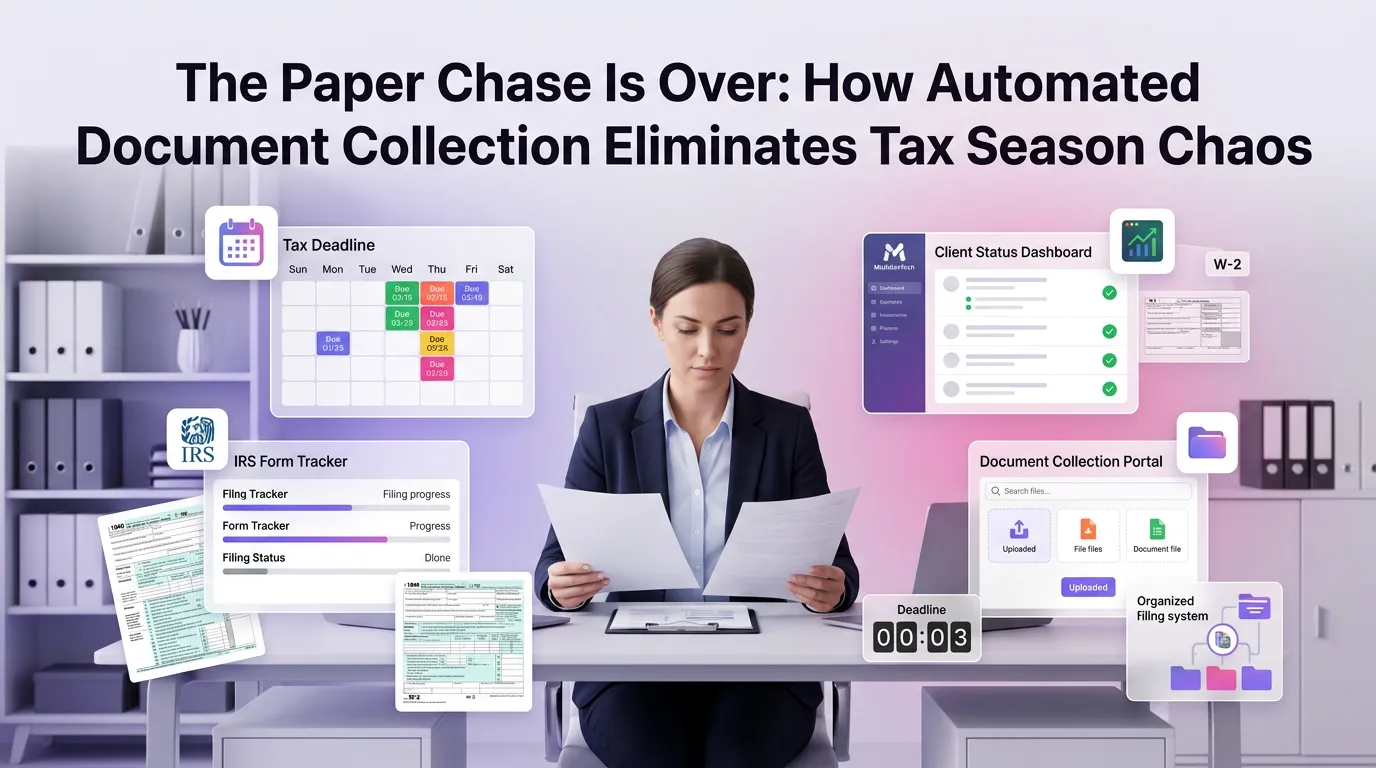
Tax season never truly ends for accounting professionals. Between client onboarding, quarterly filings, year-end reviews, and audit support, the volume of documents flowing through a tax firm at any given moment is staggering. Without a reliable system in place, critical files get buried in email threads, misfiled in shared drives, or — worst of all — lost entirely. That's why document management for tax firms has moved from a nice-to-have feature to an operational necessity. A centralized approach to document handling doesn't just reduce chaos; it transforms how your firm operates every single day of the year.
Why Tax Firms Struggle With Document Disorganization
The average tax professional juggles documents across dozens of clients simultaneously. W-2s, 1099s, prior-year returns, engagement letters, IRS notices, and signed authorizations all need to be stored, retrieved, and shared — often under tight deadlines.
Many firms still rely on a patchwork of tools: email attachments for receiving documents, local hard drives for storage, and spreadsheets to track what's been collected. This fragmented approach creates version control nightmares, security vulnerabilities, and significant time waste. According to the IRS recordkeeping guidelines, taxpayers and their representatives are expected to maintain accurate and accessible records — a standard that's nearly impossible to meet without a structured document system.
The problem compounds as firms grow. What works for a solo practitioner with 50 clients quickly breaks down at 200 or 500 clients. Scalable document management for tax firms isn't just about storage — it's about building a foundation that grows with your practice.
What Centralized Document Management Actually Means
Centralized document management means every client file, every signed form, and every piece of correspondence lives in one secure, searchable, role-accessible location. Instead of hunting through email inboxes or asking colleagues where a file was saved, your entire team can find what they need in seconds.
For tax firms specifically, this means organizing documents by client, tax year, document type, and status — all within a single platform. It means knowing at a glance whether a client has submitted their bank statements, whether an engagement letter has been signed, or whether an IRS response is still pending.
This level of visibility is what separates high-performing firms from those constantly playing catch-up. A modern tax firm automation platform brings all of these capabilities together, eliminating the need for multiple disconnected tools and giving your team a single source of truth.
Core Features of Effective Document Management for Tax Firms
Secure Client Portals for Document Collection
One of the most time-consuming tasks in any tax practice is chasing clients for missing documents. Phone calls, follow-up emails, and manual tracking consume hours that could be spent on billable work. A secure client portal changes this dynamic entirely.
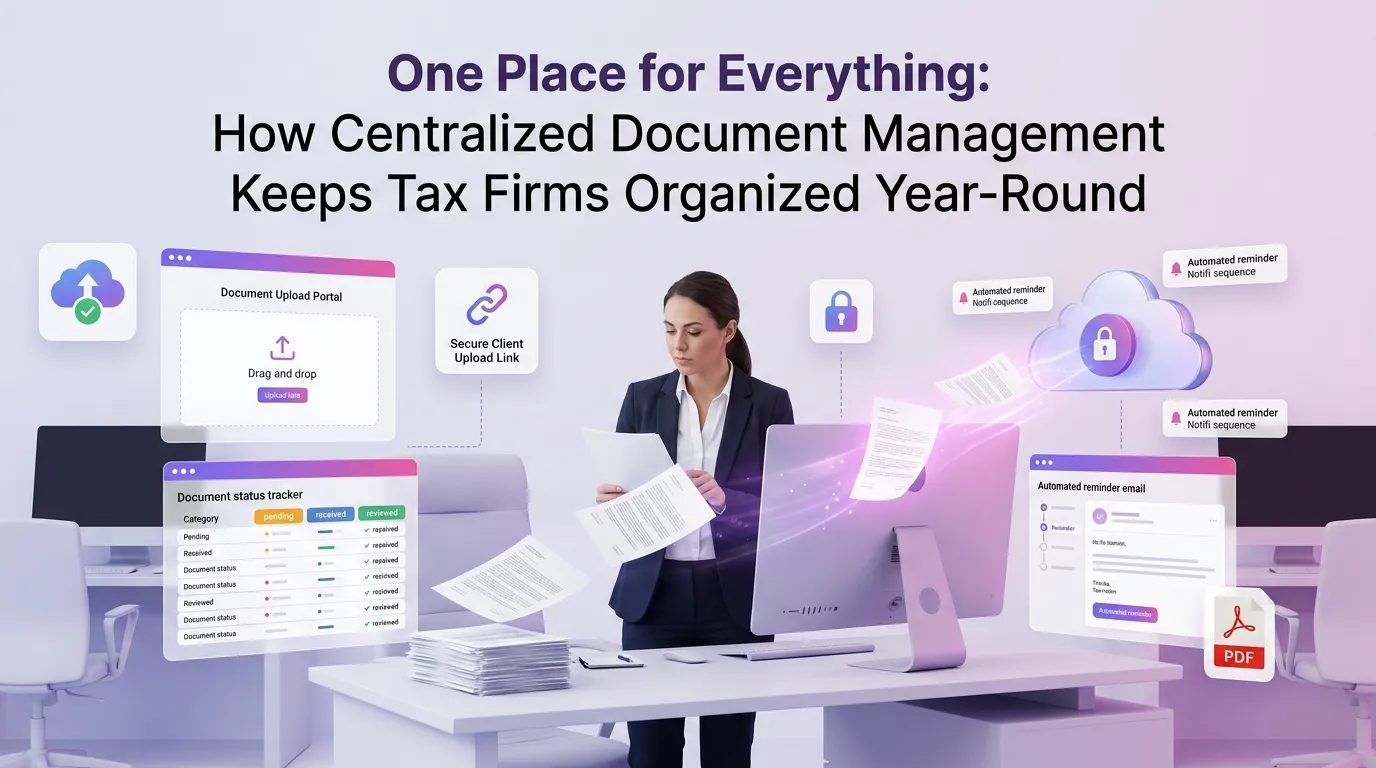
With a dedicated portal, clients can upload their documents directly at any time — from any device. The system automatically associates each upload with the correct client file, notifies the assigned team member, and logs the submission with a timestamp. No more inbox clutter, no more manual sorting.
Security is equally important. Tax documents contain some of the most sensitive personal and financial information imaginable. Portals that use end-to-end encryption and multi-factor authentication ensure that client data is protected in transit and at rest, helping firms stay compliant with data protection best practices outlined by the AICPA's data security resources for CPA firms.
Intelligent Document Organization and Tagging
Raw file storage isn't enough. Effective document management for tax firms requires intelligent organization — the ability to categorize, tag, and filter documents so that retrieval is fast and intuitive. Think of it as a filing cabinet that actually works the way your brain does.
Modern platforms allow you to create custom folder structures by client, engagement type, or tax year. Tags can be applied to flag documents by status (e.g., "pending review," "approved," "sent to IRS") or by document type (e.g., "income statement," "signed 8879," "notice response"). This makes it trivial to pull up every outstanding document for a specific client or to generate a status report across your entire book of business.
When documents are properly organized, firms spend less time searching and more time advising. That shift in time allocation directly impacts both profitability and client satisfaction.
Version Control and Audit Trails
Tax work involves frequent revisions. Draft returns get updated, amended returns replace originals, and correspondence evolves over time. Without version control, it's dangerously easy to work from an outdated document or lose track of what changed and when.
A robust document management system maintains a complete version history for every file. You can see who uploaded or modified a document, when they did it, and what the previous version contained. This audit trail isn't just useful internally — it's essential for demonstrating due diligence in the event of an IRS inquiry or malpractice claim.
The Journal of Accountancy has noted the growing importance of document retention policies for CPA firms, emphasizing that audit-ready recordkeeping is a professional responsibility, not just an operational convenience.
How Centralized Document Management Supports Year-Round Operations
Tax firms often think of document management as a tax season problem. In reality, the need for organized, accessible records spans the entire calendar year. Advisory work, bookkeeping clients, quarterly estimated payments, and business filings all generate documents that need to be captured and retained.
Centralized document management creates a continuous workflow rather than a seasonal scramble. When a new client engages your firm in July, their onboarding documents are immediately captured and filed. When a prior-year return needs to be referenced in November, it's available instantly. When tax season arrives in January, your team isn't starting from scratch — they're building on a well-organized foundation.
This year-round consistency also improves the client experience. Clients who can access their own documents through a portal at any time feel more informed and more confident in your firm. That trust translates into longer engagements and more referrals.
Reducing Bottlenecks During Peak Season
The weeks between late January and April 15 are when disorganized document workflows cause the most damage. Staff are stretched thin, deadlines are unforgiving, and the cost of a missing document is measured in overtime hours and client frustration.
With centralized document management, bottlenecks become visible before they become crises. Managers can see which clients still have outstanding documents, which returns are waiting on a specific piece of information, and which team members have the highest workload. This visibility enables proactive management rather than reactive firefighting.
Firms that have made the transition to centralized systems consistently report faster turnaround times and fewer errors during peak season. When every document is where it's supposed to be, your team can focus on the work that actually requires their expertise.
Compliance and Risk Management Benefits
Beyond operational efficiency, centralized document management has significant implications for compliance and risk management. Tax firms operate in a heavily regulated environment, and the consequences of a data breach or lost document can be severe — both financially and reputationally.
A centralized platform with role-based access controls ensures that staff members only see the client files relevant to their work. This limits the exposure of sensitive data within your own organization, reducing the risk of internal data incidents. It also makes it straightforward to revoke access when an employee leaves the firm.
Retention policies can be automated to ensure that documents are kept for the required period and then securely disposed of according to your firm's policy. This removes the guesswork from compliance and reduces the risk of retaining data longer than necessary — a concern that's increasingly relevant under evolving privacy regulations.
Integrating Document Management With Your Broader Workflow
Document management doesn't exist in isolation. It works best when it's tightly integrated with the other systems your firm relies on — practice management software, e-signature tools, billing platforms, and tax preparation software. Integration eliminates the need to manually transfer files between systems and reduces the risk of data entry errors.
When a client signs an engagement letter through your e-signature tool, for example, that signed document should automatically be filed in the correct client folder without any manual intervention. When a return is finalized in your tax software, the final PDF should be automatically archived with appropriate version history. These integrations aren't just conveniences — they're the building blocks of a truly efficient firm.
To explore how these capabilities come together in a single platform, you can explore our blog for in-depth guides on workflow automation, client communication, and practice management.
Choosing the Right Document Management Solution for Your Tax Firm
Not all document management solutions are built with tax firms in mind. General-purpose file storage tools like Google Drive or Dropbox can handle basic needs but lack the tax-specific features — client portals, engagement tracking, compliance-ready audit trails — that growing practices require.
When evaluating a solution, look for these critical capabilities: secure client-facing portals, granular permission controls, automated document request workflows, version history, retention policy management, and seamless integration with your existing tax software stack.
Equally important is ease of adoption. The best system in the world delivers no value if your team doesn't use it consistently. Look for intuitive interfaces, responsive support, and onboarding resources that help your entire team get up to speed quickly. You can view our pricing plans to find an option that fits your firm's size and needs.
Frequently Asked Questions About Document Management for Tax Firms
What is document management for tax firms?
Document management for tax firms refers to the systems and processes used to collect, store, organize, retrieve, and secure client documents throughout the tax engagement lifecycle. A centralized document management system replaces fragmented tools like email and local drives with a single, secure platform designed for the specific needs of tax and accounting practices.
How does centralized document management improve tax season efficiency?
Centralized document management reduces the time staff spend searching for files, chasing clients for missing documents, and manually sorting uploads. With everything organized in one place, teams can quickly identify what's been received, what's outstanding, and where each return stands in the preparation workflow — dramatically reducing bottlenecks during peak season.
Is a client portal necessary for document management?
While not strictly required, a secure client portal is one of the highest-value features a tax firm can offer. It allows clients to upload documents at their convenience, reduces email volume, and ensures that every submission is automatically logged and filed correctly. It also signals professionalism and builds client trust.
How does document management help with IRS compliance?
A robust document management system maintains complete audit trails, version histories, and retention schedules — all of which are essential for responding to IRS inquiries or audits. Having organized, timestamped records demonstrates due diligence and makes it far easier to locate specific documents under time pressure.
Can small tax firms benefit from document management software?
Absolutely. In fact, small firms often benefit the most because they typically have fewer administrative resources to manage documents manually. A good document management platform scales with your firm, providing enterprise-grade organization and security at a price point accessible to solo practitioners and small teams.
Ready to bring order to your firm's document chaos? MultidexTech is built specifically for tax and accounting professionals who want to spend less time managing files and more time serving clients. With secure client portals, intelligent organization, automated workflows, and seamless integrations, everything your firm needs is in one place. Start your free trial today and experience 14 days of full platform access — no credit card required. See firsthand how centralized document management can transform the way your firm operates, not just in tax season, but all year long.