
The Document Request Trap: Why Emailing Clients for Tax Files Is Costing You More Than You Think
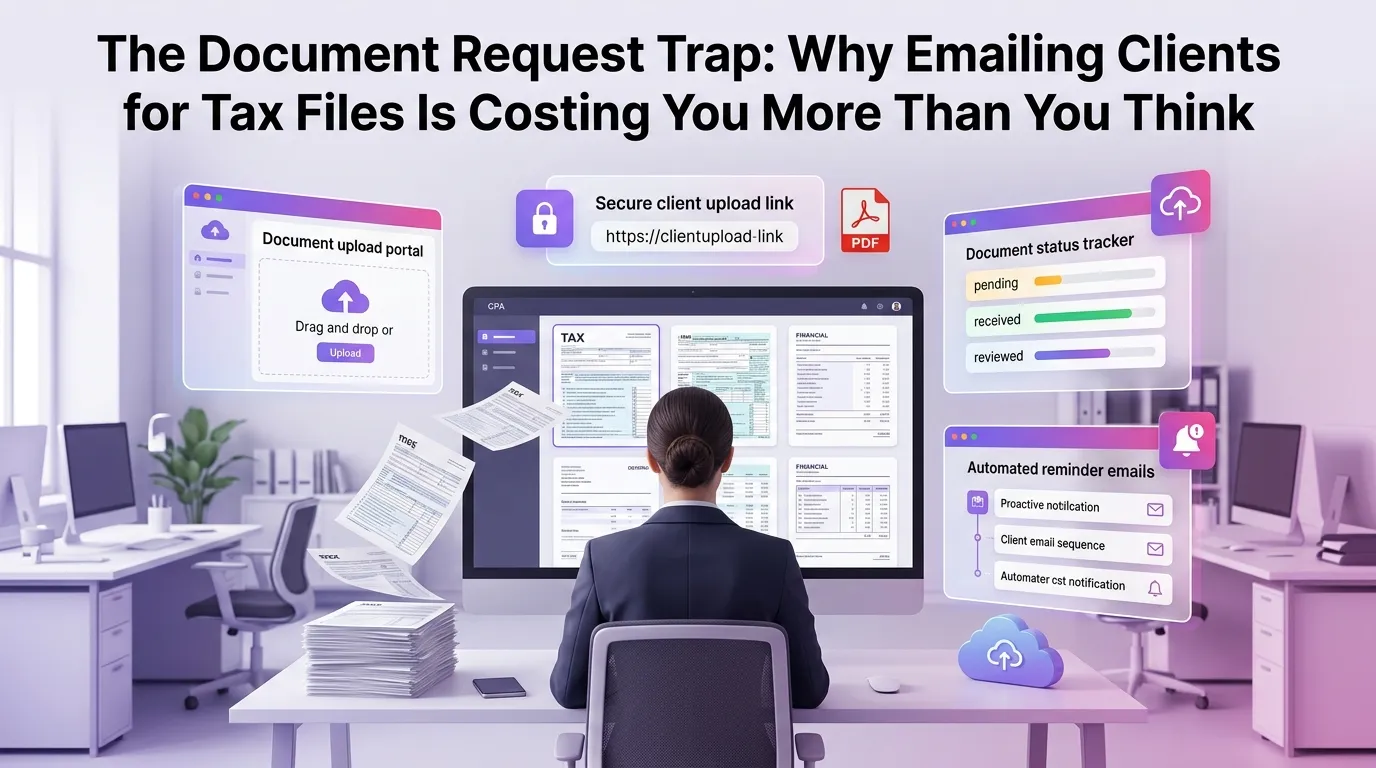
Every tax season, the same scene plays out in thousands of accounting firms across the country: a staff accountant sends a client an email requesting W-2s, 1099s, and mortgage interest statements. The client responds three days later with a blurry photo attached. Then comes the follow-up email asking for a clearer copy. Then another email because the wrong year's document was sent. By the time the file is complete, a week has passed, the deadline is closer, and your team has spent more time chasing paper than doing actual tax work. This is the document request trap — and it's quietly draining your firm's profitability, one email thread at a time.
The Hidden Cost of Email-Based Document Collection for Tax Firms
Most firm owners think of email as a free tool. After all, there's no per-message fee, no subscription cost tied directly to document exchanges, and no obvious line item on the P&L labeled "email inefficiency." But the real cost is buried in time — specifically, in the hours your team spends managing, tracking, and re-requesting documents through an inbox never designed for this purpose.
Consider this: the average tax preparer handles anywhere from 200 to 500 returns per season. If each client requires even two follow-up emails to collect complete documentation, that's potentially 1,000 additional email interactions — each requiring someone to read, respond, track, and file. At even a modest billing rate of $75 per hour, those minutes add up to thousands of dollars in unrecoverable overhead.
Beyond the time cost, there's the compounding effect of disorganization. Attachments get buried in threads. Documents land in the wrong folder. A W-2 sent in February gets confused with the one sent in March when the client realized they had a second employer. These small errors create cascading delays that push returns closer to deadlines and increase the risk of costly mistakes.
Why Email Was Never Built for Secure Document Exchange
Email is a communication tool. It was designed to send messages, not to serve as a document management system for sensitive financial data. Yet tax firms routinely use it to request and receive Social Security numbers, bank account details, medical expense records, and investment statements — all highly sensitive information that deserves far better protection.
Standard email is not encrypted end-to-end. When a client forwards their 1099-INT from a personal Gmail account to your firm's inbox, that file may pass through multiple servers without any meaningful security layer. According to guidance from the IRS Data Safeguards program, tax professionals are required to implement security measures that protect taxpayer data — and unencrypted email exchanges may not meet that bar.
The AICPA has also published cybersecurity guidance emphasizing that accounting firms must take active steps to protect client data, including using secure portals for document exchange. Relying on email not only creates operational headaches — it may also expose your firm to compliance risk and reputational damage if a breach occurs.
The Bottleneck Nobody Talks About: Tracking What's Missing
One of the most time-consuming aspects of email-based document collection isn't the initial request — it's the tracking. Someone on your team has to maintain a mental map (or a spreadsheet, if you're lucky) of which clients have submitted which documents, which are still outstanding, and which files arrived but were the wrong type or year.
This tracking burden falls disproportionately on senior staff. In many firms, it's the most experienced team members — the ones whose time is most valuable — who end up playing document traffic controller. They know the clients, they know what's needed, and so they become the bottleneck by default.
Without a centralized system, it's nearly impossible to get a real-time view of where each return stands. Managers have to physically ask staff or dig through email threads to understand the status of a file. This lack of visibility slows decision-making, makes workload balancing difficult, and creates unnecessary stress as deadlines approach.
How Modern Document Collection for Tax Firms Should Work
The firms pulling ahead of the competition aren't just working harder — they're working with better systems. Modern document collection for tax firms looks fundamentally different from the email-chase model. It starts with a structured, automated request process and ends with a complete, organized digital file — without a single follow-up email required.
Here's what that workflow looks like in practice:
Automated, Itemized Document Requests
Instead of sending a generic "please send your tax documents" email, a modern platform generates a specific, itemized checklist based on each client's prior year return or engagement type. The client receives a clear, professional request that lists exactly what's needed — no ambiguity, no guesswork.
This specificity alone dramatically reduces the number of back-and-forth exchanges. Clients know exactly what to upload, so they're less likely to send the wrong document or forget a critical form.
Secure Client Portals with Upload Tracking
Rather than relying on email attachments, clients upload documents directly to a secure portal. The firm gets real-time visibility into what has been submitted, what's still outstanding, and when each document was received. No more spreadsheet tracking, no more inbox archaeology.
Automated reminders handle the follow-up, so your staff doesn't have to. If a client hasn't uploaded their documents by a certain date, the system sends a polite nudge — without anyone on your team lifting a finger.
Organized, Searchable Document Libraries
Every uploaded document is automatically tagged, categorized, and stored in the client's digital file. When a preparer is ready to work on a return, everything is exactly where it should be — organized by document type, tax year, and client. No digging through email threads, no hunting for attachments.
This kind of structured organization also makes it easier to onboard new staff, conduct quality reviews, and respond quickly if a client has questions about their return months later.
The Client Experience Problem Nobody Is Talking About
Here's an uncomfortable truth: your clients don't love the email process either. They find it confusing, stressful, and time-consuming. They're not sure which documents to send. They're worried about security. They feel guilty when they miss a request. And when they have a bad experience during tax season, they're more likely to consider switching firms the following year.
Client retention is one of the most valuable levers a tax firm has. According to research discussed in the Journal of Accountancy, the cost of acquiring a new client is significantly higher than the cost of retaining an existing one. When your document collection process is smooth, professional, and easy for clients to navigate, it becomes a retention asset — not just an operational necessity.
A well-designed client portal sends a clear signal: this firm is organized, professional, and takes security seriously. That perception matters, especially as clients become more sophisticated about digital privacy and data protection.
What Automation Actually Looks Like in Practice
Many firm owners hear "automation" and picture expensive, complex software that requires months of implementation and a dedicated IT team. The reality is far more accessible. A purpose-built tax firm automation platform can be configured in hours, not weeks, and designed specifically for the workflows tax professionals already use.
With the right platform, a firm can automate document request generation, client reminders, document categorization, and status tracking — all without custom development or technical expertise. The result is a system that handles the repetitive, administrative work so your team can focus on the high-value work that actually requires their expertise.
Firms that make this transition typically report significant reductions in document-related back-and-forth, faster return completion times, and measurably higher client satisfaction scores. The ROI isn't theoretical — it shows up in billable hours recovered and staff retention improved.
Making the Case for Change Inside Your Firm
If you're a firm owner or manager reading this, you may already know that the email-based document process is broken. The challenge is often convincing the rest of the team that change is worth the effort. Here's how to frame the conversation.
Focus on Time, Not Technology
Staff resistance to new systems usually comes from fear of a learning curve. Lead with the time they'll save, not the features of the platform. When a team member understands that automated reminders mean they no longer have to personally follow up with 50 clients, the value proposition becomes immediately tangible.
Start with One Workflow
You don't have to overhaul everything at once. Start by migrating document collection for a subset of clients — perhaps new clients onboarding for the upcoming season. Use that cohort as a proof of concept, gather feedback, and build internal momentum before rolling out firm-wide.
If you're ready to see what a better process looks like for your firm, you can start your free trial and explore the platform without any commitment. It's the fastest way to understand what's possible before making any decisions.
Frequently Asked Questions
What is the biggest problem with using email for document collection in tax firms?
The biggest problem is the combination of security risk and operational inefficiency. Email was not designed for secure document exchange, and it creates significant tracking and organizational challenges that cost firms time, money, and client trust.
How does automated document collection for tax firms improve client satisfaction?
Automated systems provide clients with clear, itemized checklists, a secure upload portal, and timely reminders — all of which reduce confusion and stress. Clients appreciate a professional, organized experience, which directly improves retention rates.
Is email-based document sharing compliant with IRS data security requirements?
Standard, unencrypted email may not meet IRS data safeguard requirements for protecting taxpayer information. Tax professionals are encouraged to use secure portals and encrypted channels for exchanging sensitive client documents.
How long does it take to implement a document management system for a tax firm?
Modern tax firm automation platforms are designed for rapid deployment. Many firms are fully operational with a new document collection system within a day or two, without requiring technical expertise or IT support.
What should I look for in a document collection platform for my tax firm?
Look for features like secure client portals, automated reminders, real-time tracking of outstanding documents, organized document libraries, and integration with your existing tax preparation workflow. You should also consider the platform's pricing plans to ensure it fits your firm's size and budget.
Ready to Escape the Document Request Trap?
The email chase doesn't have to be a permanent feature of your tax season. Firms that modernize their document collection process don't just save time — they build a more scalable, more profitable, and more client-friendly practice. The technology exists, it's accessible, and the return on investment is clear.
MultidexTech was built specifically for tax firms that are ready to move beyond the inbox and into a smarter way of working. With a 14-day free trial, you can experience firsthand how automated document collection transforms your workflow — before committing to anything. Start your free trial today and see what your tax season could look like when the documents collect themselves.
Want to learn more about optimizing your firm's operations? Explore our blog for guides, strategies, and insights written specifically for tax professionals.
Related Posts
The Incomplete File Problem: How Smart Document Management Helps Tax Firms Close Cases Faster and With Fewer Errors
12 min read

From Chaos to Control: Building a Document Workflow That Runs Itself During Peak Season
11 min read
The Document Deadline Problem: How Tax Firms Are Getting Complete, Accurate Files From Clients Before It's Too Late
13 min read